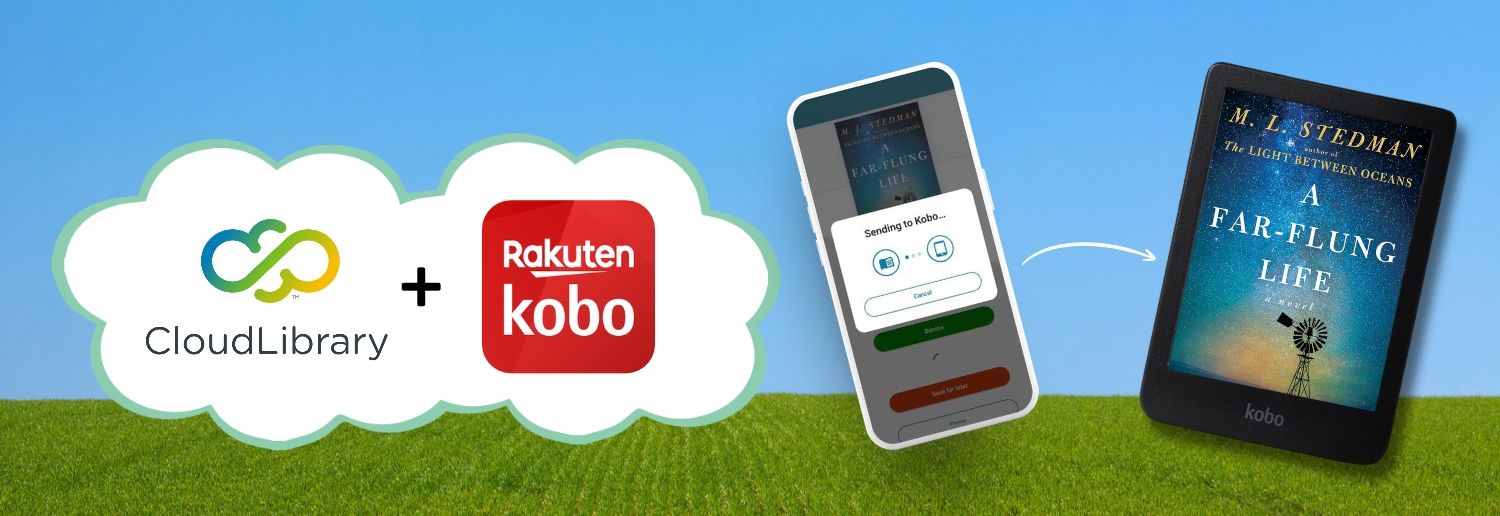
Have a Kobo? View the list of supported devices before getting started.
New to CloudLibrary?
CloudLibrary is one of Oakville Public Library's digital collections, offering access to thousands of eBooks and audiobooks with your library card.
To get started, simply sign in to CloudLibrary using your library card number and PIN through the app or website. Once signed in, you can browse, borrow, and enjoy digital titles from anywhere.
Get CloudLibrary on your Kobo
Before you begin, check the list of supported Kobo devices and setup instructions.
Ready to get started? Visit the CloudLibrary Kobo eReader Help page for step-by-step instructions on connecting your accounts and sending eBooks to your Kobo.
Happy reading! 📚